instructor
Melissa Kanfi
Level
Beginner
Location
Online
format
On Demand
modules
10
access
Lifetime

sound familiar?
You've been meaning to learn SketchUp for years.
You've watched a YouTube video or two. Maybe you've even opened it, clicked around, and closed it out of frustration.
Or maybe you've been using it for a while.
But if you're honest, you kind of figured it out as you went. You know the basics. You can get around. But your workflow is a patchwork of things you picked up here and there, and you're missing the tips and tricks that would actually make you fast. You've never learned it from A to Z, and it shows up every time you sit down to model.

either way,
you're not where you want to be with it.
And between client projects, emails, site visits, and everything else on your plate, there's never been a good time to stop and fix that.
Your clients would be blown away by 3D visuals.
You know the designers who use it properly are working at a different level.
And you know this is the tool that would change things.
That's exactly why I built this course.



The full course. No schedule required.
This is the on-demand version of my SketchUp for Beginners program - same curriculum, same lessons, same results.
The difference is that you get immediate access to everything and work through it completely on your own timeline.
You're not locked into a weekly schedule or waiting for the next session to open up. You log in when it works for you, pick up where you left off, and move at a pace that fits your life.
It's built for designers who are self-motivated and just need the right structure and guidance to get there.
Prefer a live class experience with weekly sessions and real-time interaction? Check out the live course here.
By the end of this course:


And you'll have a skill in your business that pays for itself the first time you use it.
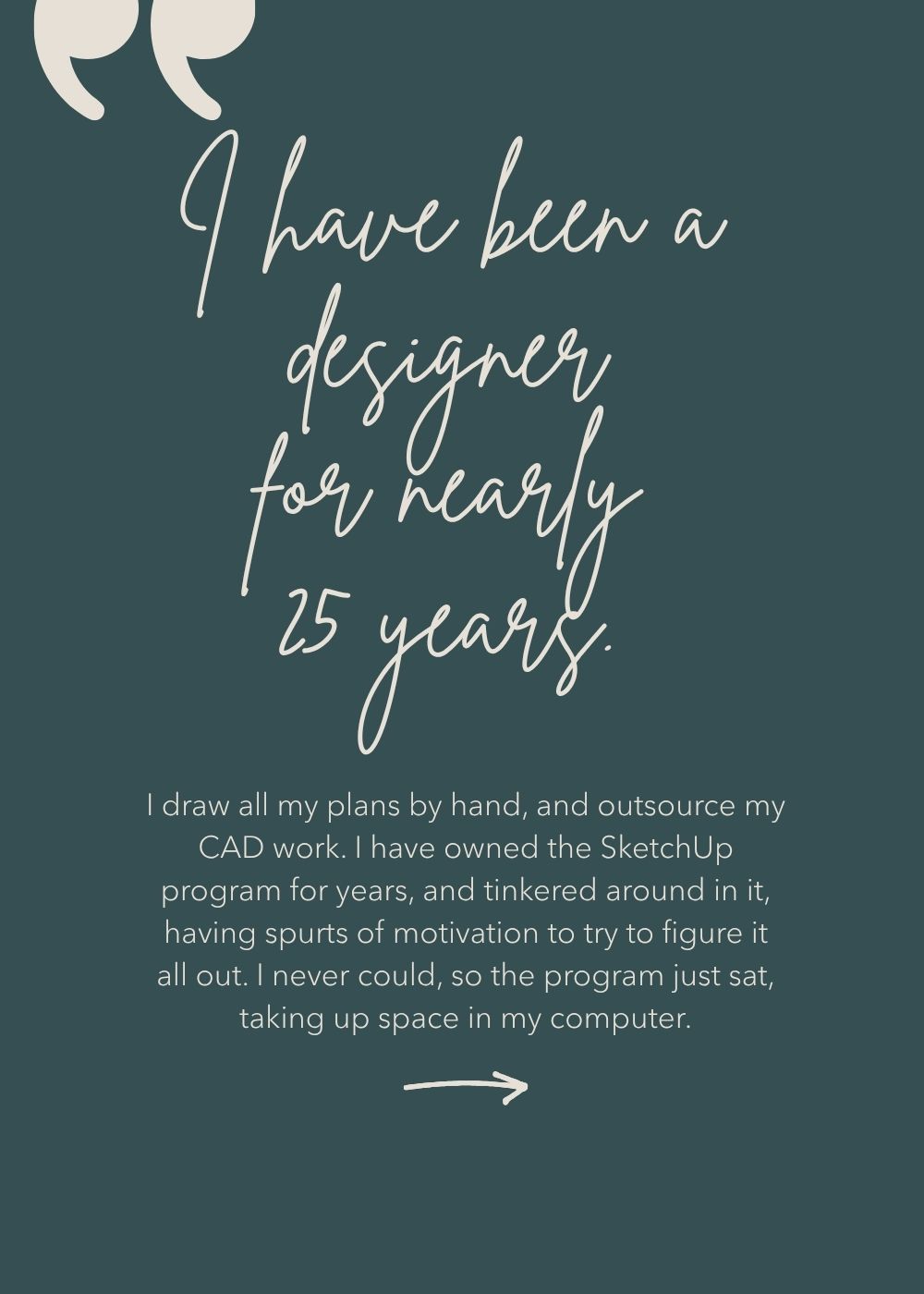
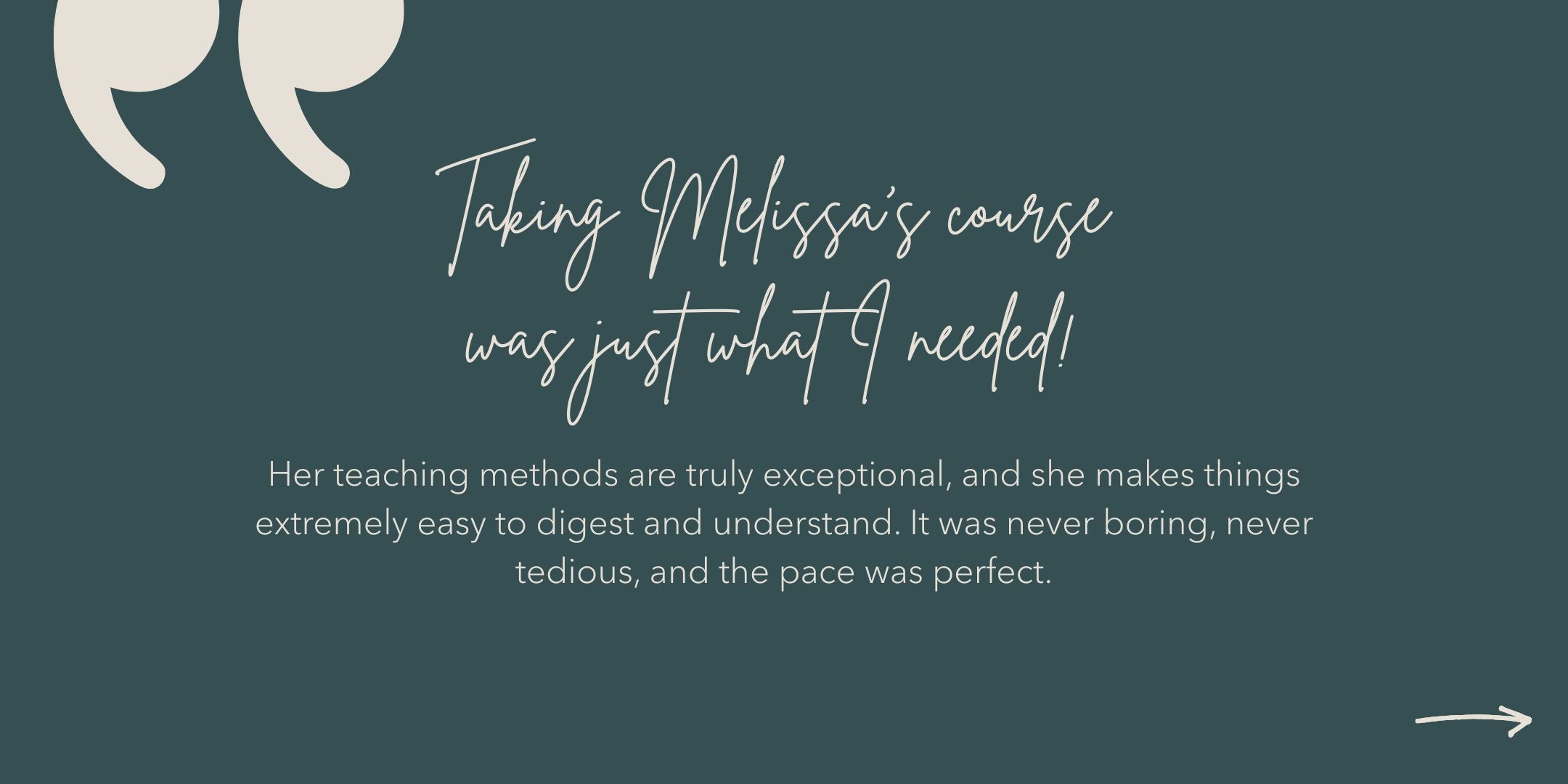
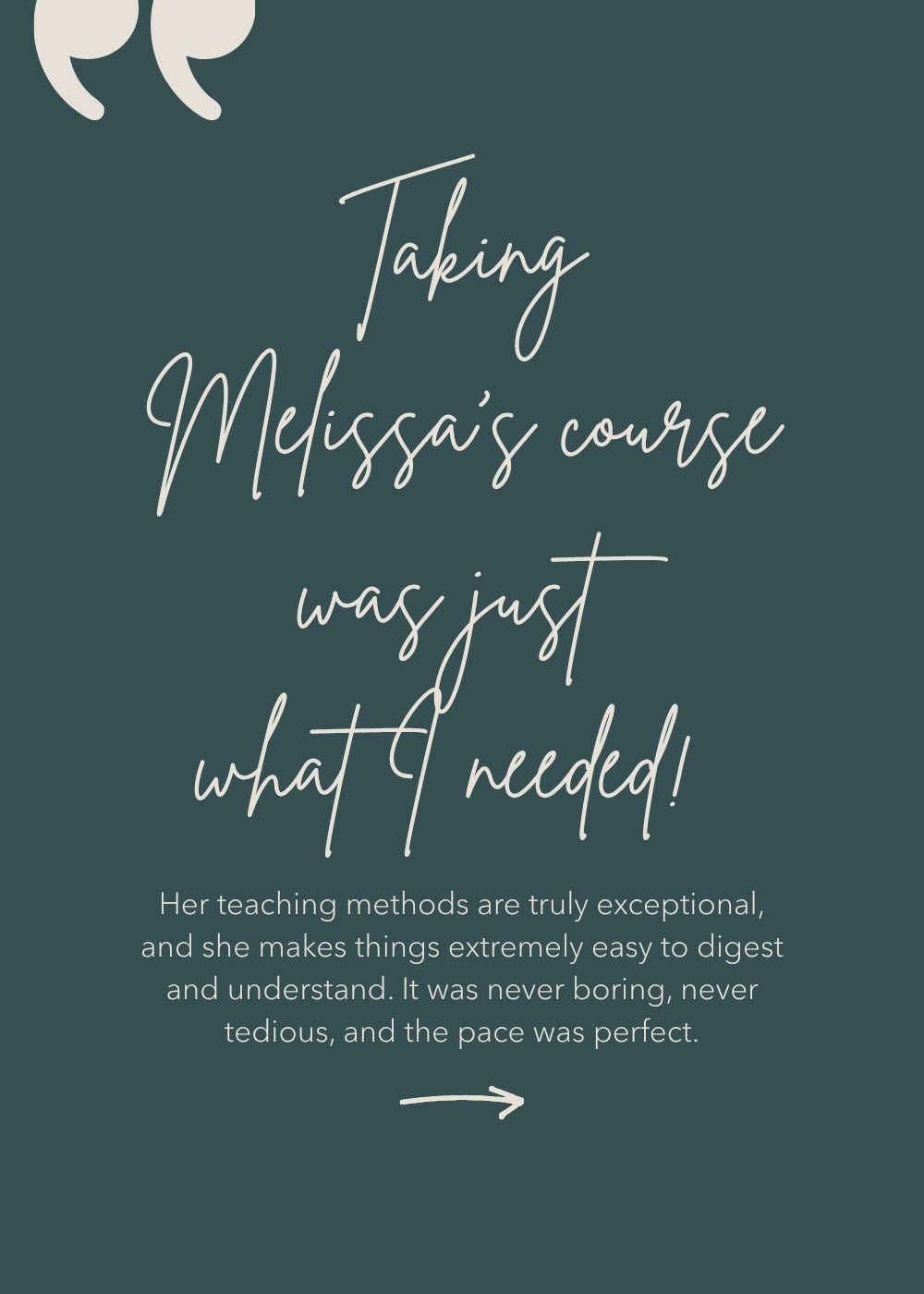
"I started from zero, and now the architects I work with are complimenting me on my structure and organization in SketchUp. That says everything about how well this course is built. I can already feel the impact on my speed, clarity, and organization. It truly improves your overall workflow and method. From ZERO to confident - I'm deeply grateful for everything this training has brought me."
— Isabelle I., Interior Designer


this course is for you if:

You're an interior designer or decorator ready to make SketchUp part of how you work.
You have the discipline to follow through on a course at your own pace.
You're brand new to SketchUp, or you've picked up bits and pieces on your own and know there are gaps in your workflow.
You can't commit to a weekly live class schedule.
You want to serve your clients better and show up to projects with more confidence.

this is what our students built in 10 weeks


MODULES
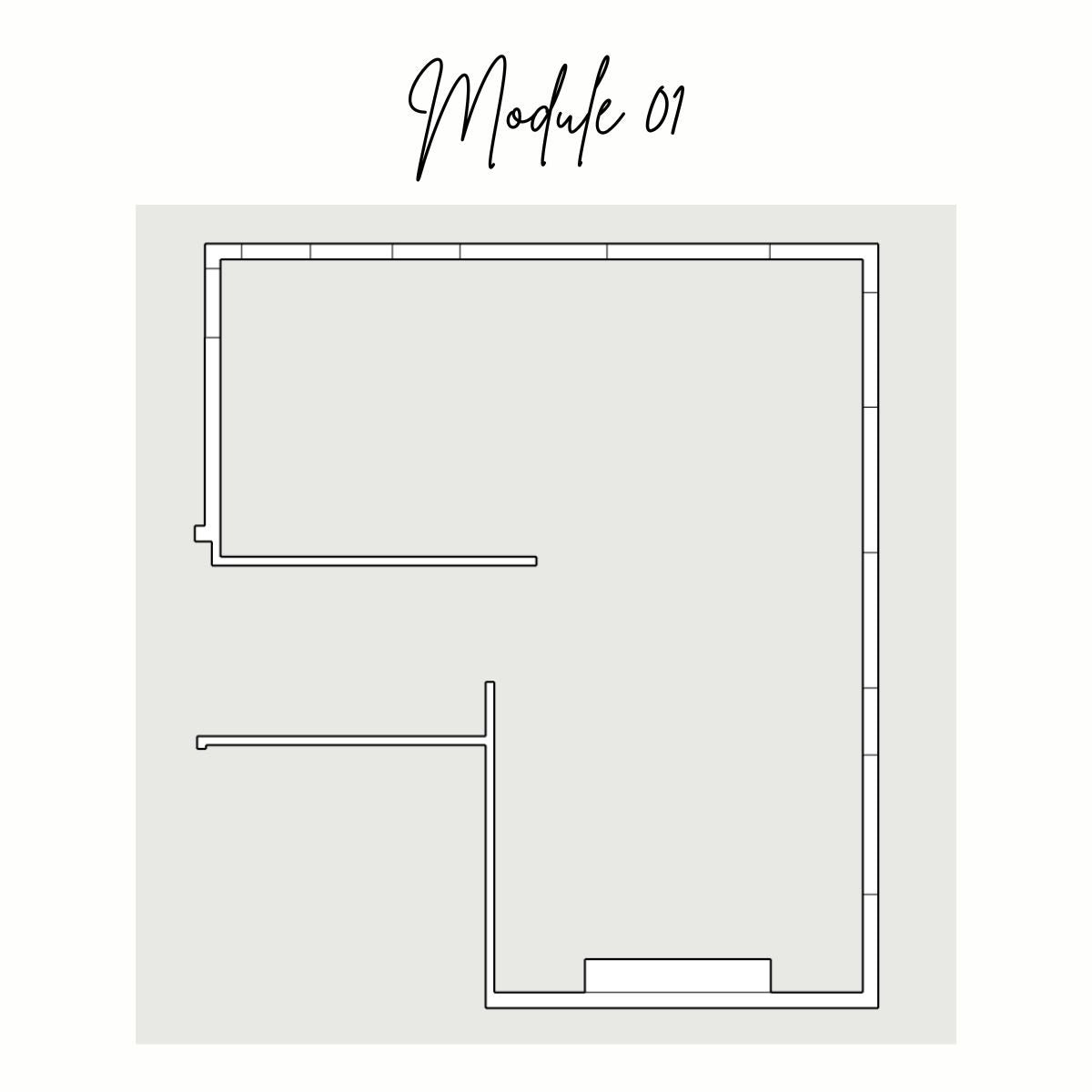
NAVIGATION & BASIC DRAWING TOOLS
In Module 01, we’ll cover:
How to access SketchUp, interface tour, saving files, navigation tools: Orbit, Pan
and Zoom, basic drawing tools: Line, Rectangle, and Circle.
By the end of the class, you’ll know how to navigate inside your model and create a basic 2D floorplan.
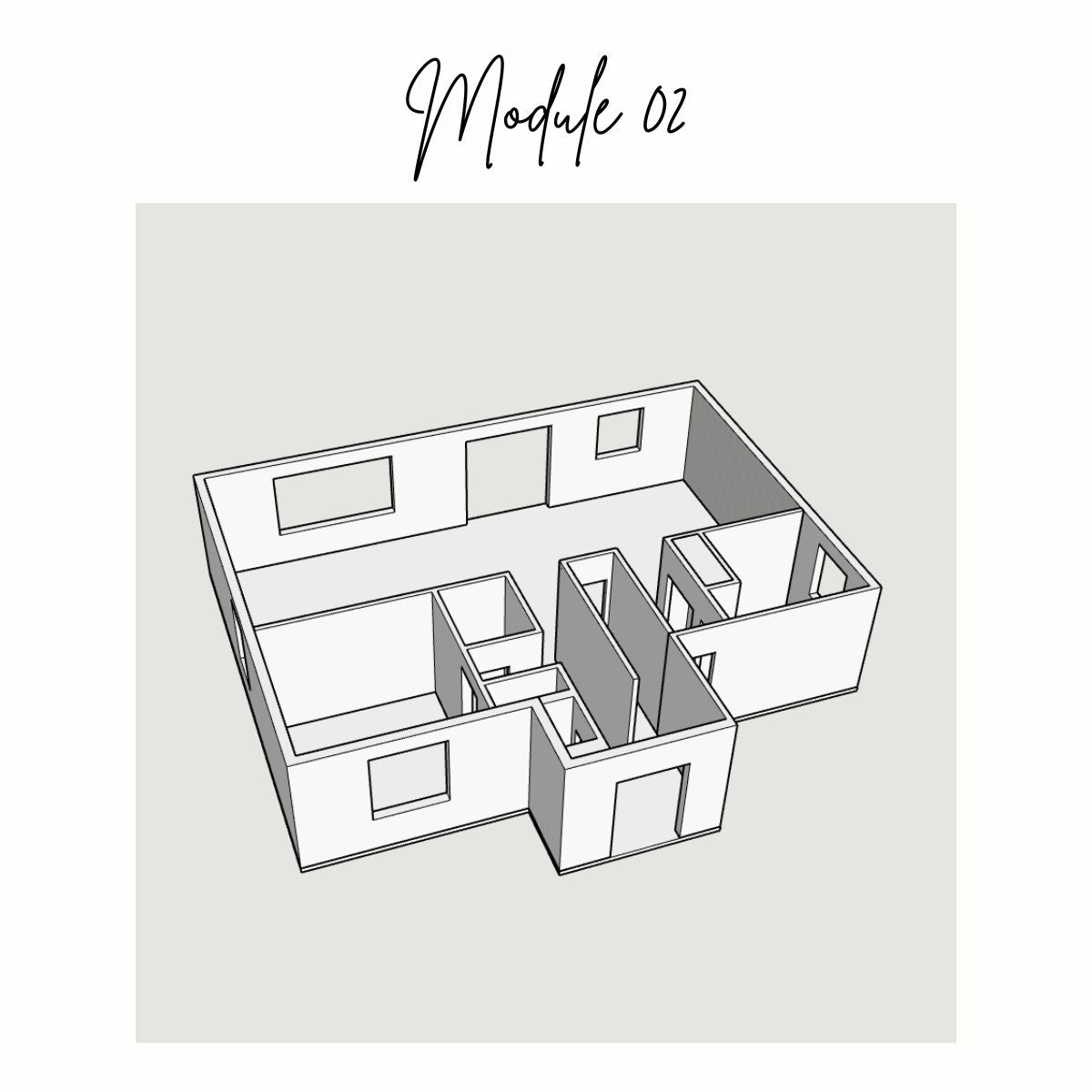
CREATING 3D OBJECTS AND STICKY GEOMETRY
In Module 02, we’ll cover:
The Selector, Eraser, and Tape Measure tools, creating 3D objects with the Push/Pull tool, the concept of sticky geometry and groups.
By the end of the class, you’ll know how to build the walls, floor and ceiling of a home model.
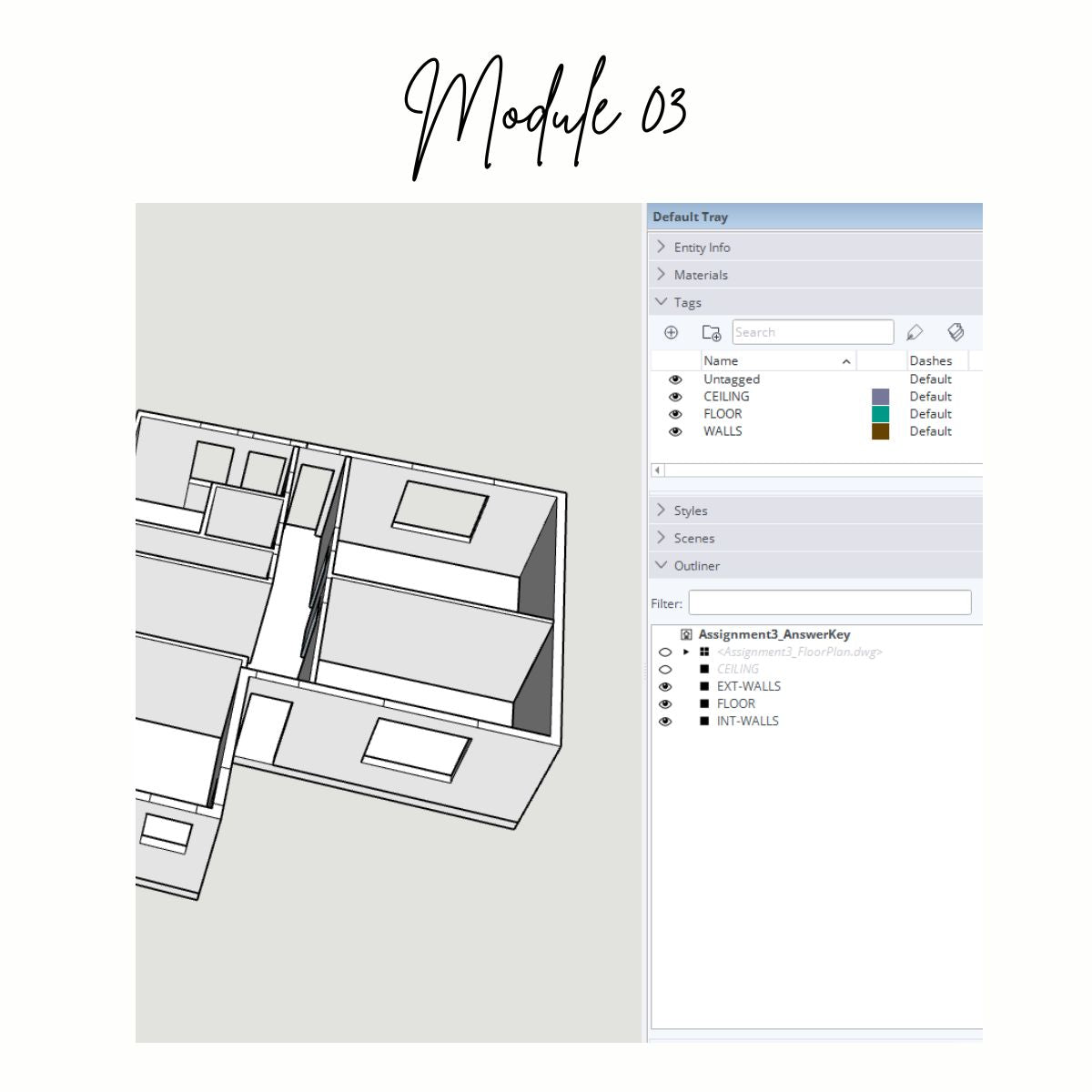
MODEL ORGANIZATION
In Module 03, we’ll cover:
The Outliner & Tags, how to import files from AutoCAD, and the Move tool.
By the end of the class, you’ll know how to organize your home model in an efficient manner, and manipulate 3D objects by moving, copying and rotating them.
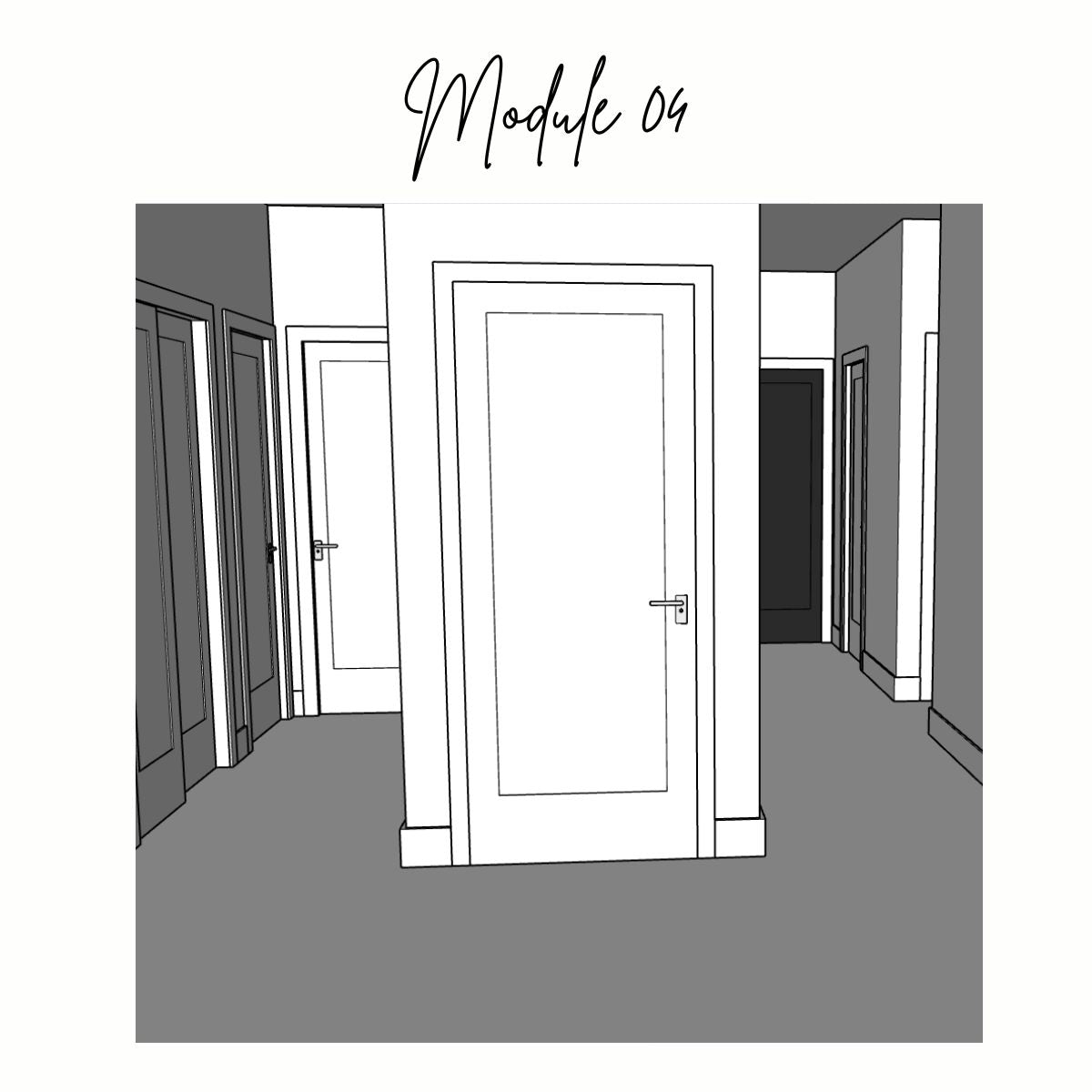
MOULDINGS AND DOORS
In Module 04, we’ll cover:
The Offset tool, Follow Me tool, and Components.
By the end of the class, you’ll know how to apply door and window casings, create intricate baseboard and crown mouldings, and add in all the interior and exterior doors for your home model.
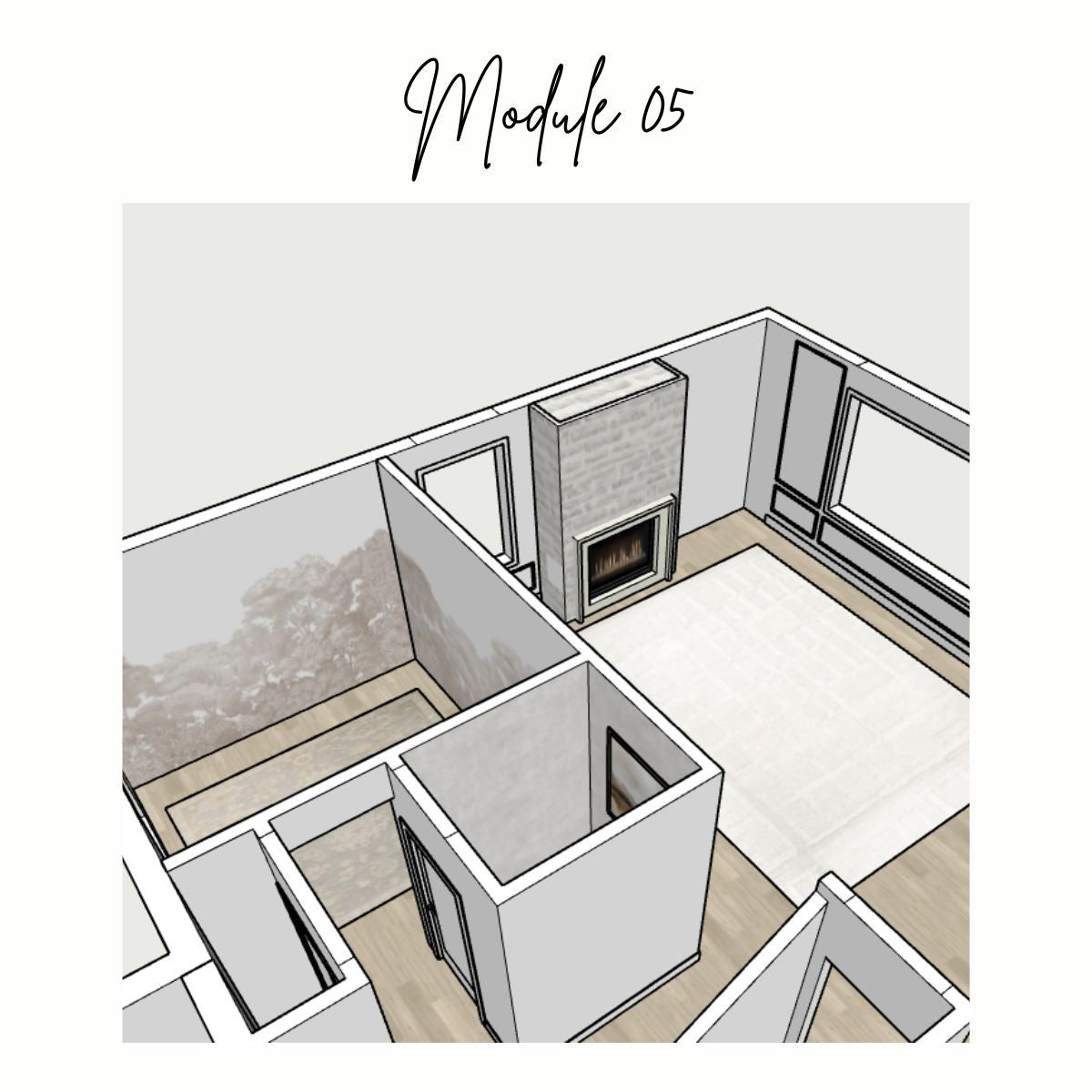
MATERIALS
In Module 05, we’ll cover:
Materials, the Rotate tool, and more advanced features of the Move tool.
By the end of the class, you’ll know how to apply materials to your home model, create custom paint colors, art and area rugs using imported textures.
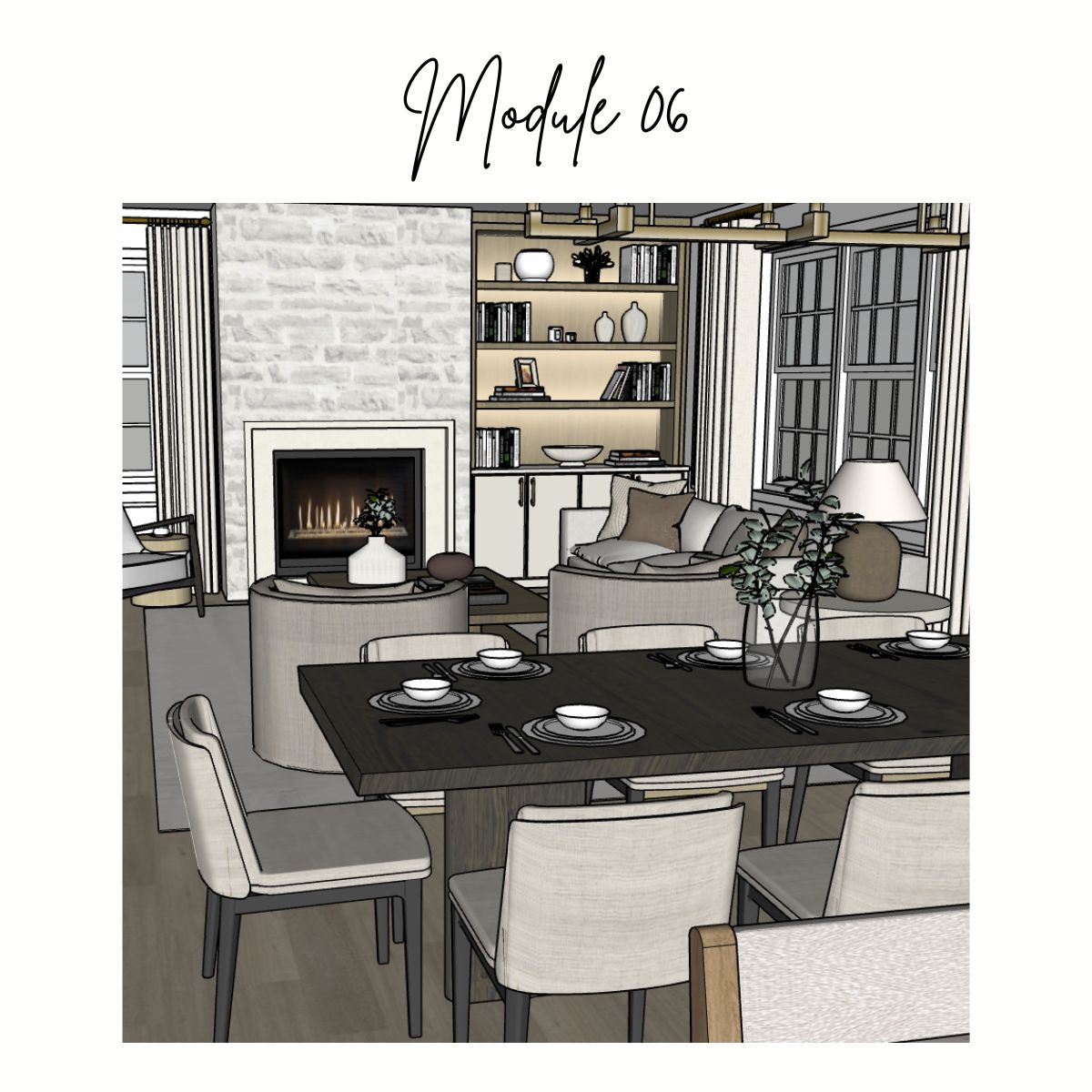
FURNITURE & DECOR
In Module 06, we’ll cover:
The 3D warehouse, the Scale tool and the Flip tool.
By the end of the class, you’ll know how to add configurable windows to your model, furnish and style your home model, and adjust the scale and orientation of imported 3D furniture.
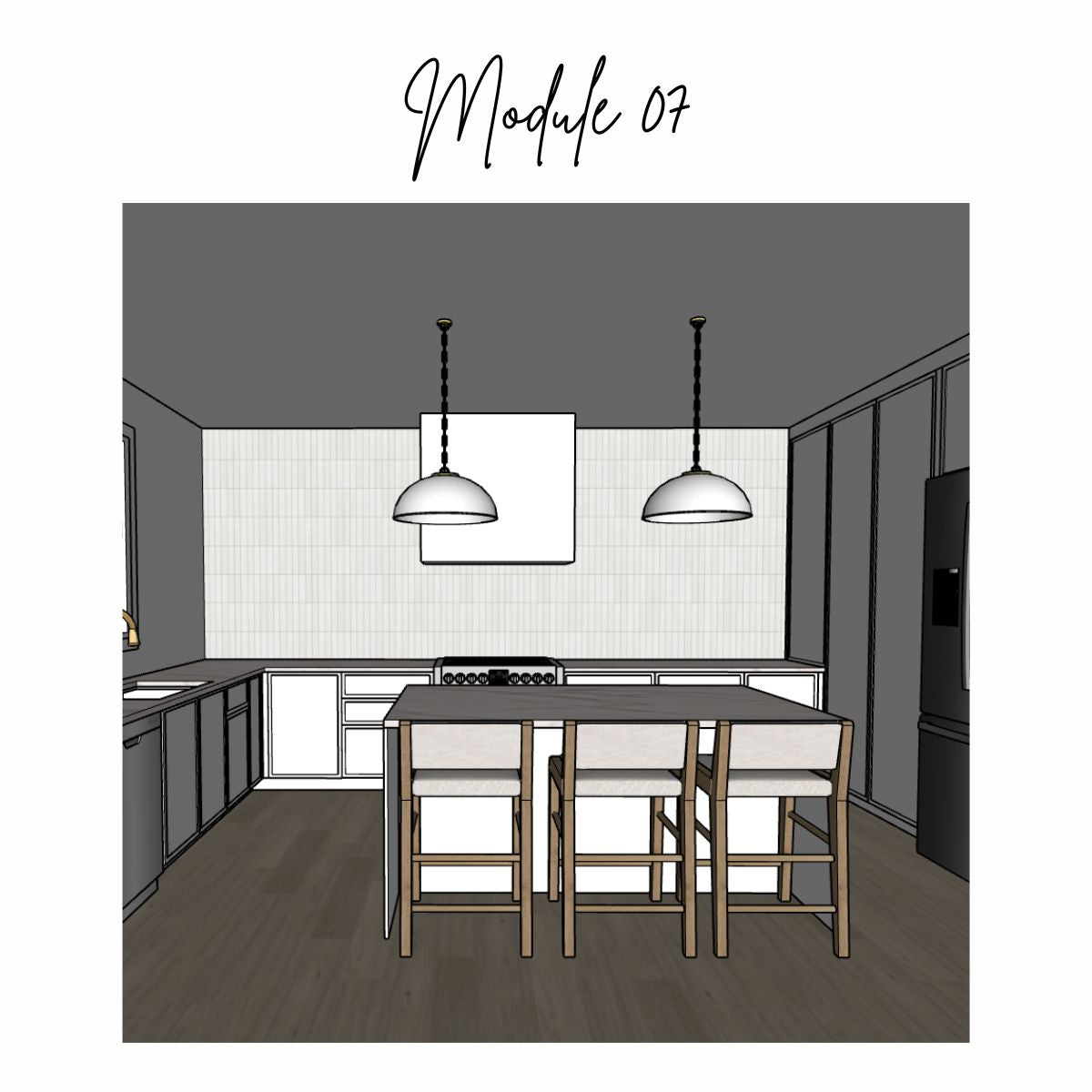
MILLWORK / CUSTOM CABINETRY
In Module 07, we’ll cover:
Advanced features of the Push/Pull, Follow Me, and Eraser tools, softening and hiding sharp edges, and the Arc tools.
By the end of the class, you’ll know how to add millwork to your home model, and create intricate cabinet door, countertop and valence profiles for your model.
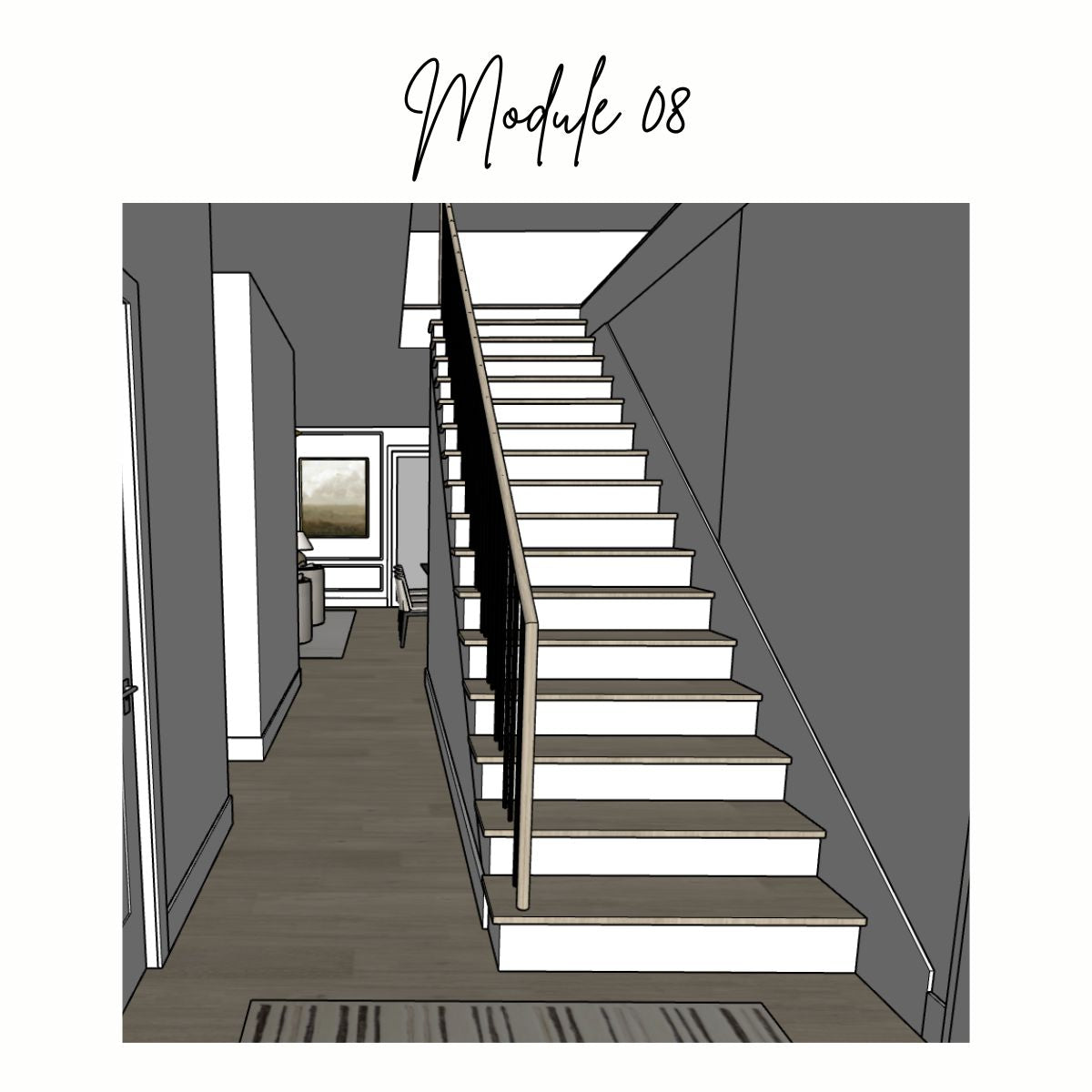
CUSTOM FURNITURE & STAIRCASES
In Module 08, we’ll cover:
Advanced features of the arc and Follow Me tools, and examples of different staircase types.
By the end of the class, you’ll know how to add a staircase with custom railing and spindles to your home model, and add a second floor to your home model.
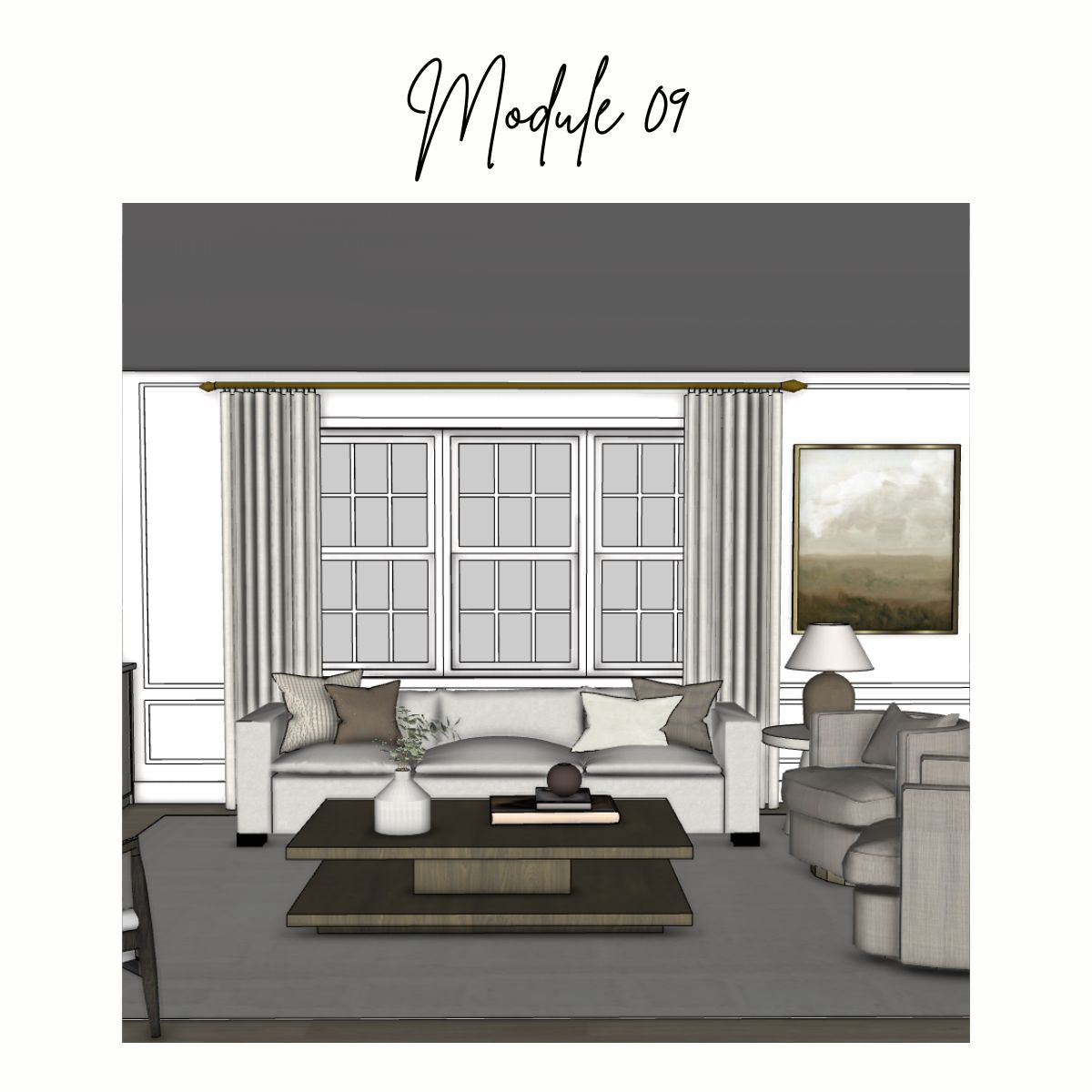
CLIENT PRESENTATION PREPARATION
In Module 09, we’ll cover:
Advanced view controls, standard views, section planes, and scenes.
By the end of the class, you’ll know how to navigate through your model with even more ease, and prepare saved views (Scenes) for client presentations.

ANIMATIONS & BEST PRACTICES
In Module 10, we’ll cover:
Styles, exporting images, animations, best practices, and troubleshooting tips.
By the end of the class, you’ll know how to export a video walkthrough of your model for client presentations, and troubleshoot common SketchUp issues.
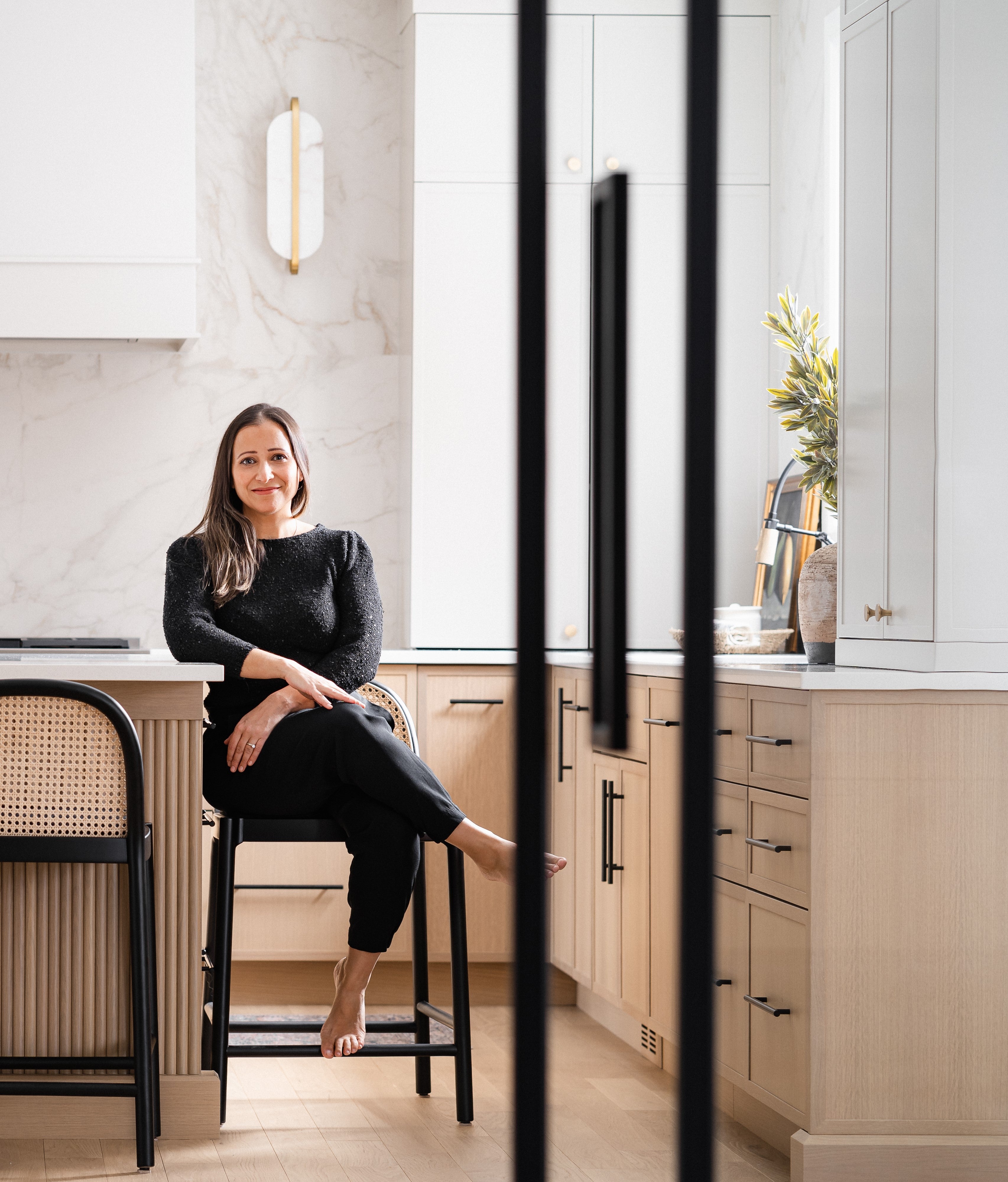
your instructor
MEET MELISSA
Hey! I'm Melissa, the founder of Olive & Neon, an interior design studio in Montreal.
I've been using SketchUp since I started my design business in 2017. It's never been a nice-to-have for me. It's been part of how I work from day one, and over the years I've built a workflow around it that makes my projects run smoother and my client presentations land better.
Teaching has always come naturally to me. Before interior design, I spent years as a Project Management Director at a digital marketing agency, where I trained new project managers, developed internal processes, and created training documentation from scratch. I've always been the person who wants to figure out the clearest, most efficient way to explain something.
When I started teaching SketchUp to other designers in 2024, it felt like the obvious next step. Combining the tool I use every day with a skill I've carried my whole career.
Everything I teach comes from actually running a design business, not from a classroom. So you're not getting theory. You're getting what works.
The Course That Changed Everything.
"I have been using SketchUp every single day and I am getting better and faster all the time. I make changes live with clients, and I still go back and review all kinds of things in the videos to tune up my skills and my memory. I just wanted to tell you how happy I am that I did this for myself. This was fucking LIFE CHANGING for me!!"
- Joanne, Interior Designer
FAQ
Not at all!
Kitchen and bath designers looking to expand beyond their current 3D tools, cabinetmakers and tradespeople who want to show clients more detailed designs, and anyone who's seriously considering a career in design will all find this course valuable.
Yes. SketchUp is genuinely user-friendly once you learn it properly, and this course builds your skills step by step from the very beginning.
You'll need basic computer literacy - downloading software, saving files, using a mouse - but no technical background required.
The live course runs on a set schedule with weekly 2-hour sessions, a small group of students, and live interaction during class. I also review every assignment personally and provide feedback and constructive tips on your work.
This on-demand version gives you the same complete curriculum but you access everything immediately and work through it at your own pace. There are no live sessions, and while you can post questions in the private Facebook community, I won't be correcting assignments individually. It's the right fit if your schedule is unpredictable, if you're self-motivated, or if you simply learn better on your own timeline.
Yes! I also offer SketchUp for Beginners as a live course, with weekly group sessions and real-time interaction. In the live course, I review every assignment and provide personal feedback and constructive tips on your work. If you learn better with a set schedule, direct access to me during class, and personalized feedback on your assignments, the live course is likely the better fit for you. See Live Course Details
Fully self-paced. Once you enroll, you have lifetime access and can move through the modules as quickly or slowly as works for you. There are no deadlines, no expiry dates.
At the end of each module, you'll find a lesson that covers the exercise instructions for that module. From there, you complete it on your own. When you're done, or if you get stuck, you can watch my full video walkthrough where I complete the exercise start to finish so you can see exactly how I approached it.
Each module builds on the one before it, so completing the exercises in order will make sure you're getting the most out of the course and setting yourself up for the modules ahead.
Yes. The course is updated with each major SketchUp release, so you're always learning based on the most current version of the software.
If you've already been through the course and a new update rolls out, you can jump back in and re-watch the sections that have changed without having to redo the whole thing.
A SketchUp Pro license, a computer with a reliable internet connection, and a three-button mouse. Two monitors are a nice bonus; one for watching the lessons and one for modeling along.
The course is taught on a PC, but every Mac difference is called out as it comes up. The software works the same way on both; the differences are mostly in keyboard shortcuts and menu placement.
This course starts from the beginning, but a lot of designers with some self-taught experience find it really useful.
If you've been figuring it out on your own, there's a good chance you've picked up habits that are making things harder than they need to be.
This course shows you how to build models with a clean, efficient foundation.
Unfortunately, you cannot get a preview of the course. However, please feel free to contact me with any questions about this course.
Yes. The free version works for basic use but you'll need SketchUp Pro to follow along with this course. SketchUp Pro comes with a 7-day free trial if you want to test it out before committing.
The LayOut on-demand course is coming soon! Sign up for the Maison Juniper mailing list to be the first to know when it launches.
Absolutely. Reach out to me directly and I can arrange to enroll you in an upcoming live session for an additional fee. A formal upgrade option will be available on the site soon, but in the meantime don't hesitate to get in touch and we'll figure it out together.
Because you get immediate access to all course content at the time of purchase, all sales are final.
If you have questions before buying, please reach out. I'm happy to help you figure out if this is the right fit for where you are right now.
You can reach me here and I'll get back to you!
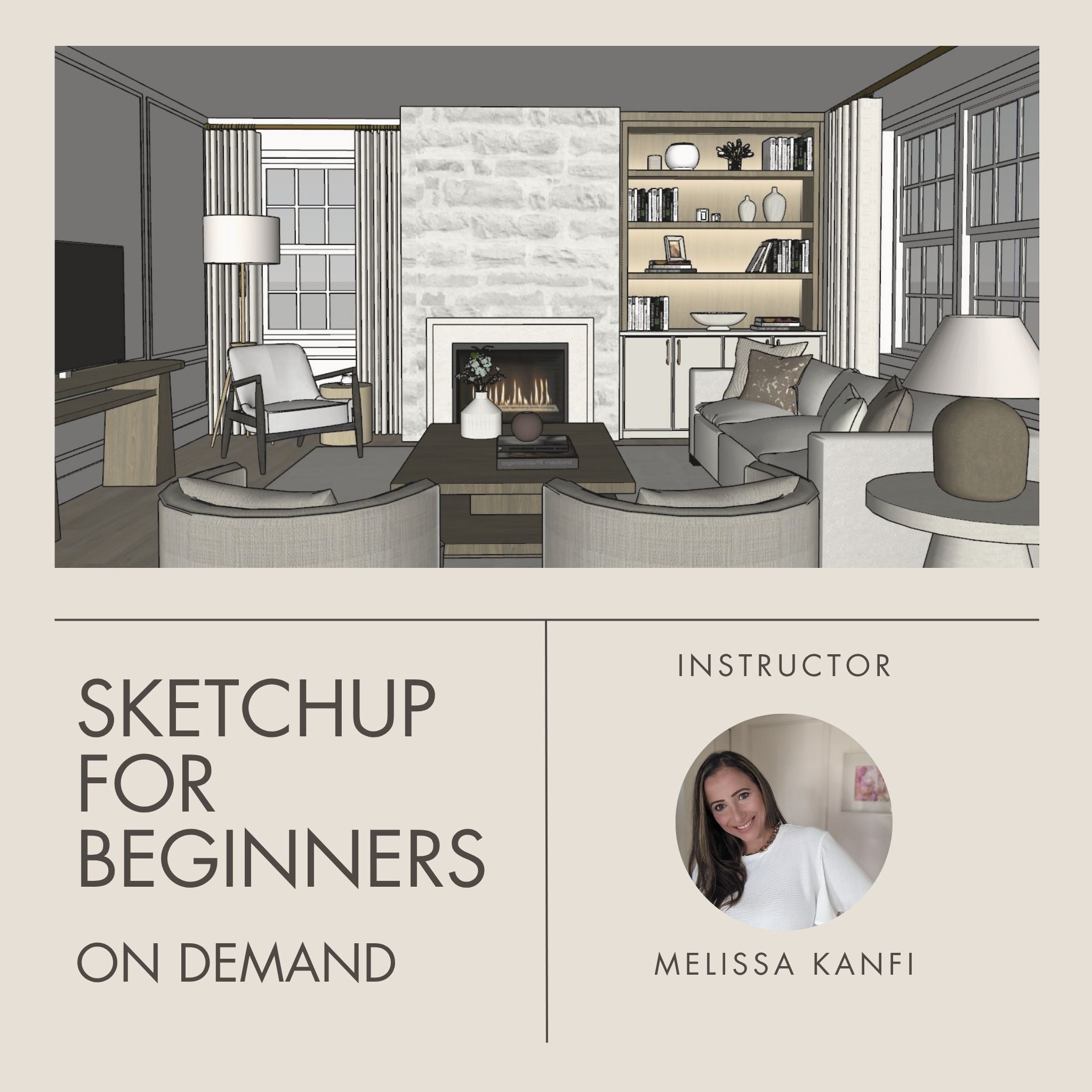
SketchUp for Beginners On Demand Course
** This purchase grants access to the course for one (1) individual only. Course materials, videos, and resources are for personal use and may not be shared, distributed, or reproduced in any form. Unauthorized sharing or redistribution of course content is strictly prohibited and may result in the termination of access without refund. By purchasing, you agree to these terms.
Refund Policy
This is a digital product and all sales are final. Please contact me if you have any questions.